Features
Everything a barber can do in NEXTCUT.
A look at the real screens: your schedule, your clients, reminders that bring people back, and the settings that make it your shop.
Schedule
Your day at a glance
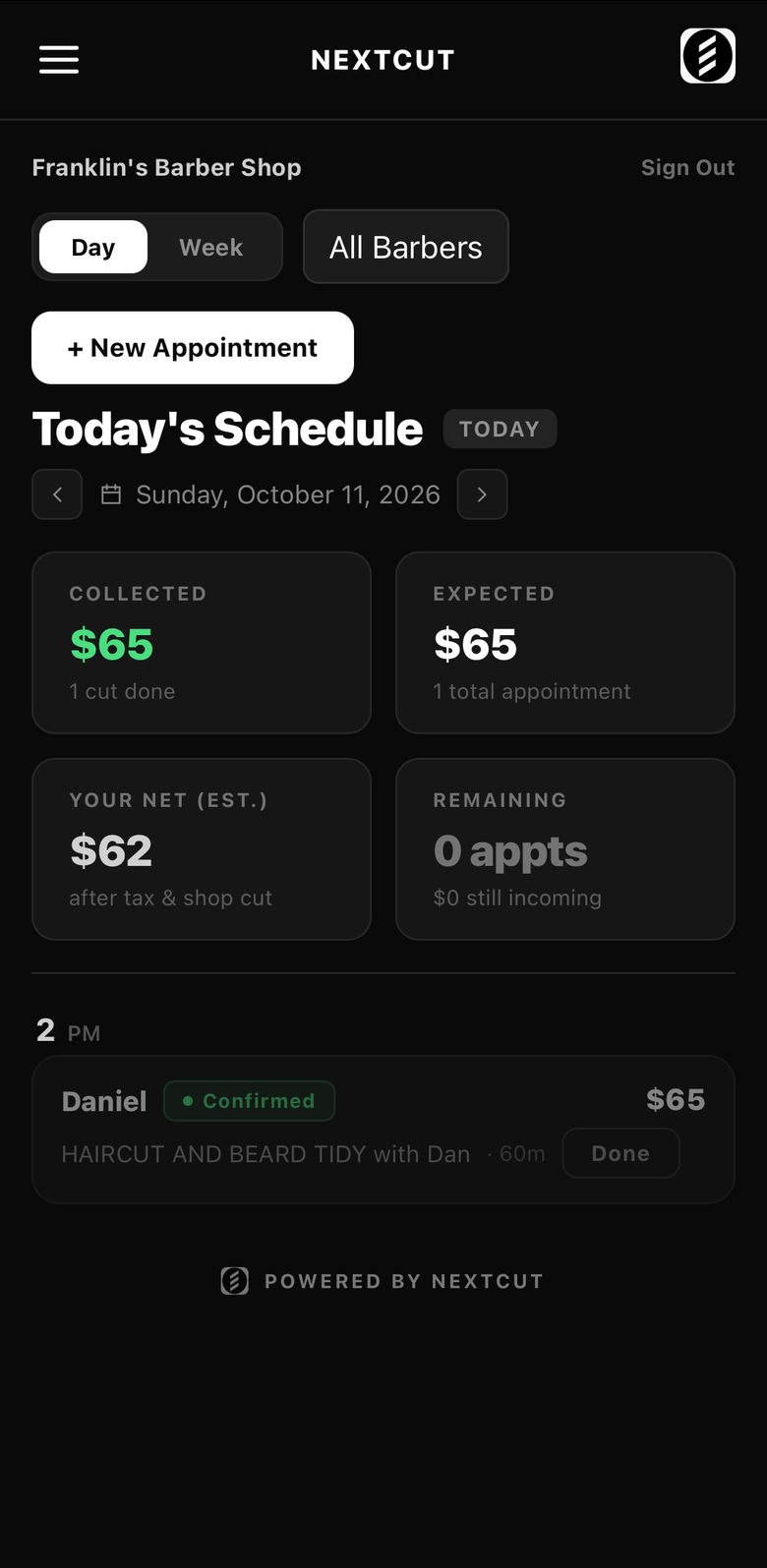
Every booking for today in one list: who is coming, which barber, the service and what it pays. See what you have collected, what is still expected and your estimated take-home, and mark a cut done in one tap.
Auto-rebooking
Rebooked clients, with you in control
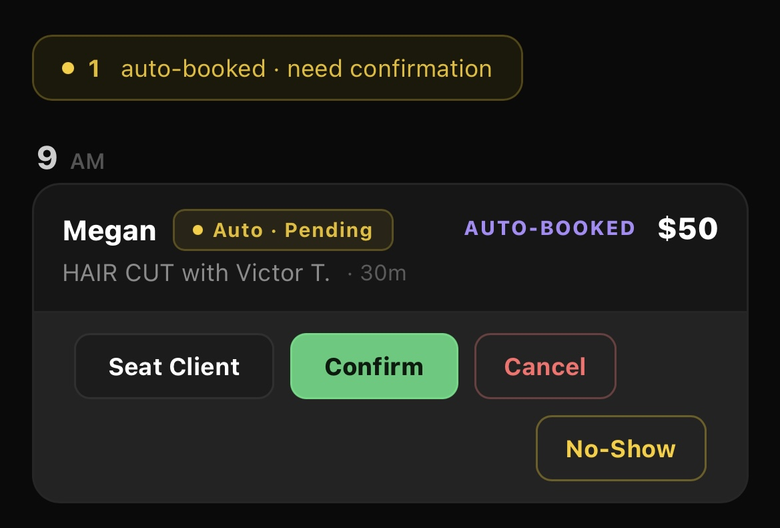
When a client has Auto-Book on, NEXTCUT books their next cut for you and lets them know. You see it flagged as pending, then confirm it, seat the client, cancel it or mark a no-show.
Week view
The whole week, by the hour
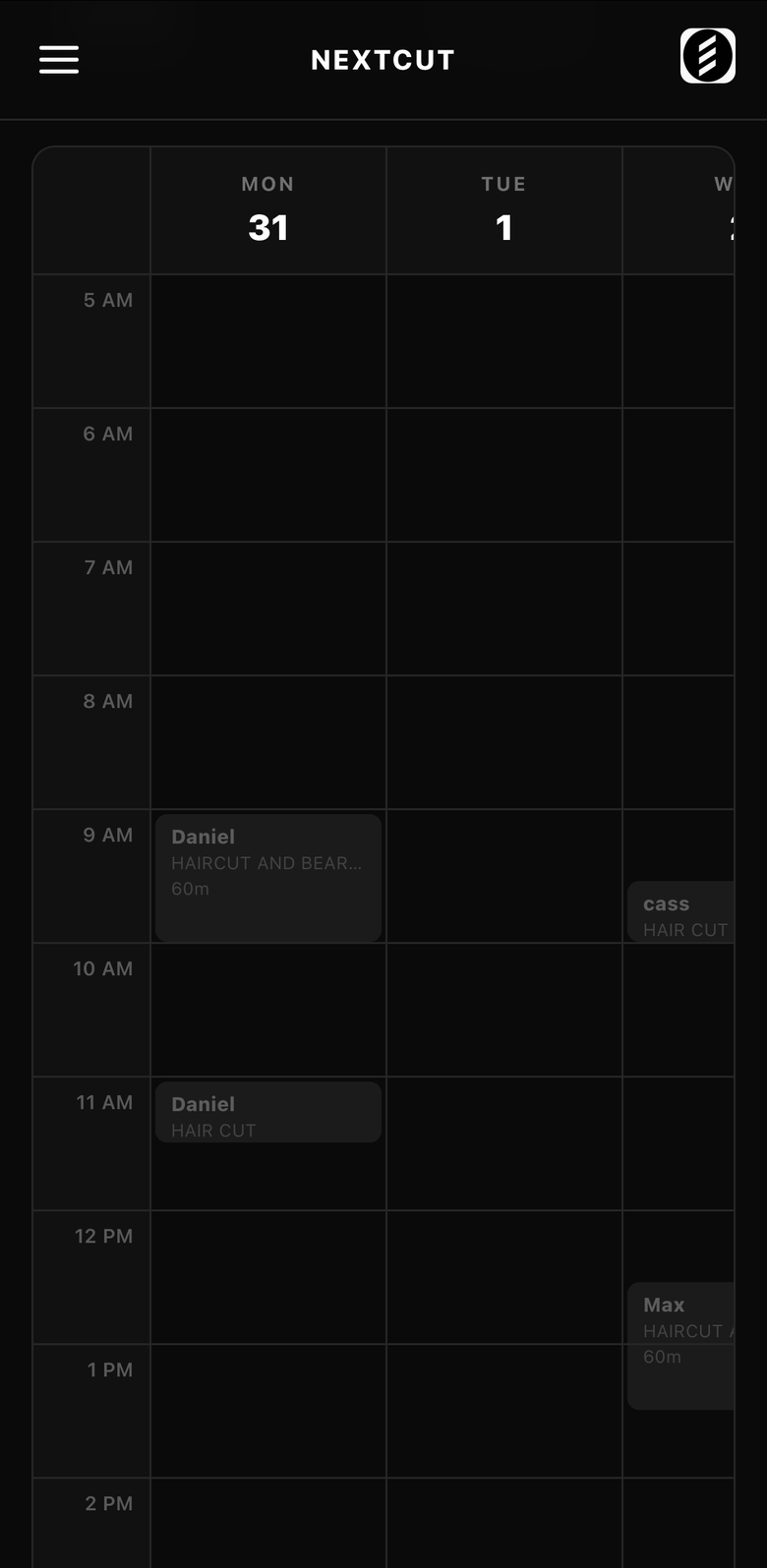
A weekly calendar that follows your opening hours and places each booking at its real time and length. Filter by barber and tap any booking for the client.
Walk-ins and phone bookings
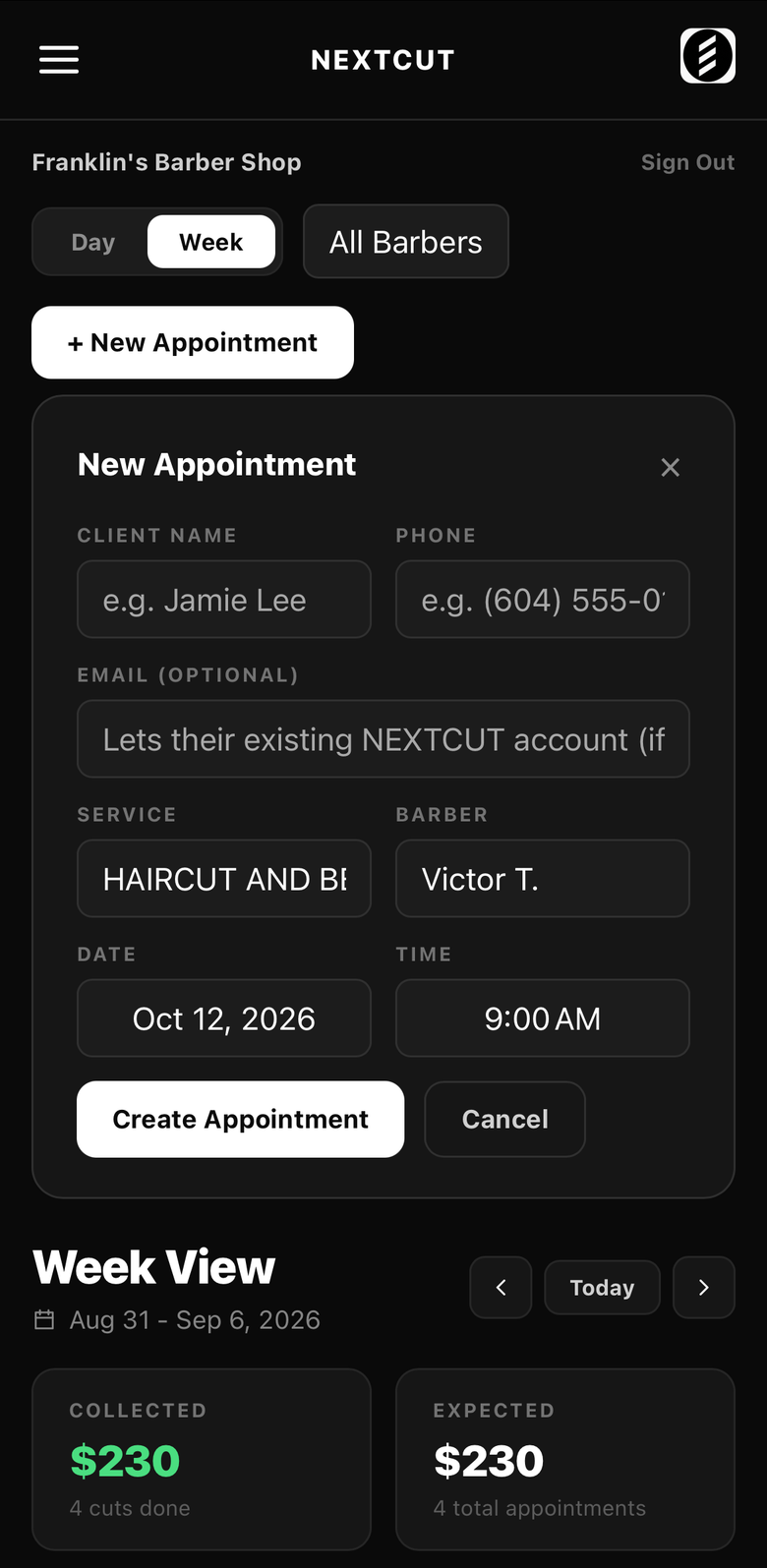
Add an appointment in seconds
Book a client yourself when they walk in or call. Pick the service, barber, date and time, and NEXTCUT keeps the calendar free of double-bookings.
Clients
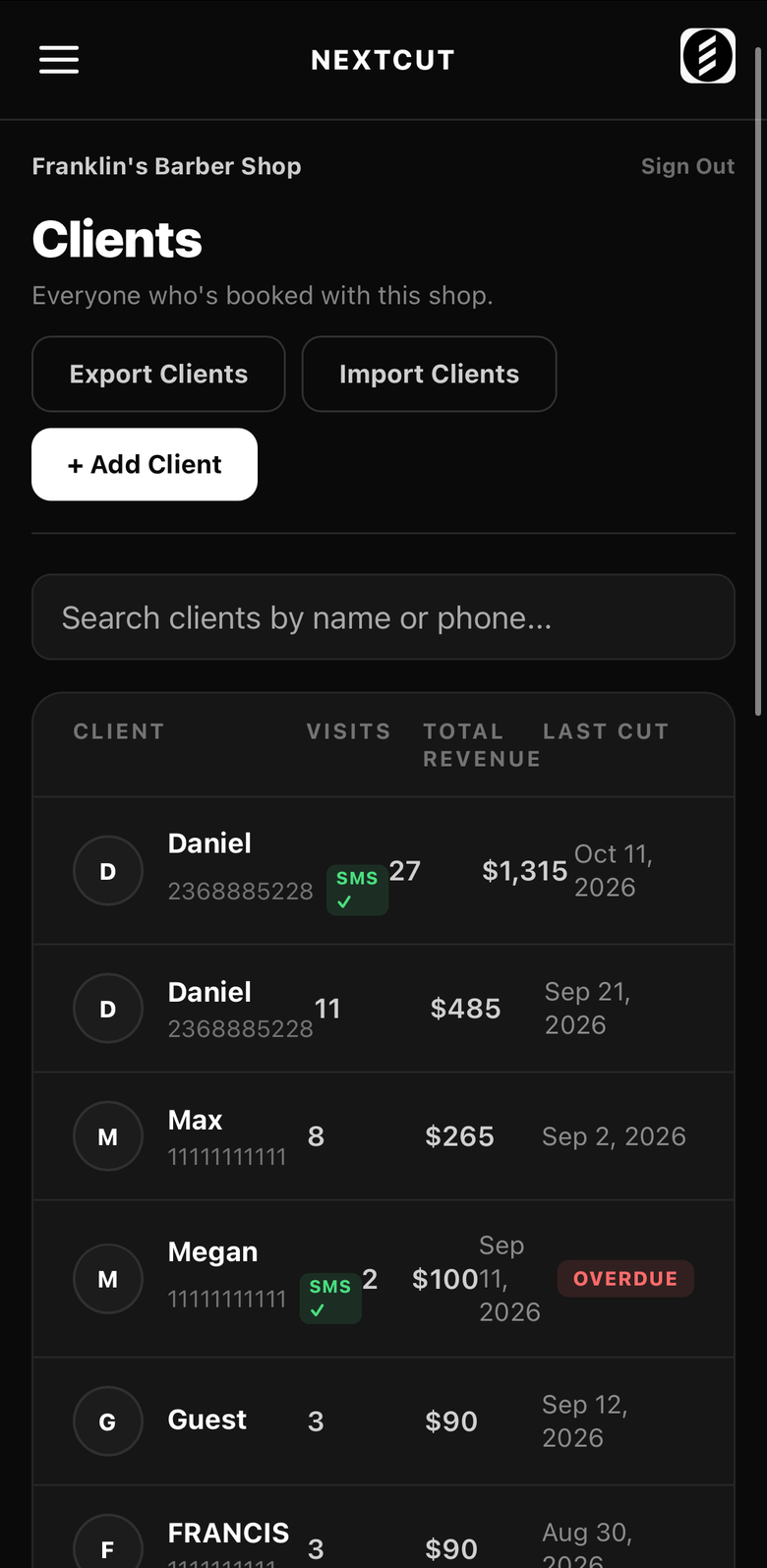
Every client in one list
Everyone who has booked with your shop, with visits, total revenue and last cut, and a flag for who is overdue. Search by name or phone. Import a CSV from the system you use today with at least a phone number column, and export your whole list as a spreadsheet any time. Nobody is messaged just for being imported.
Client detail
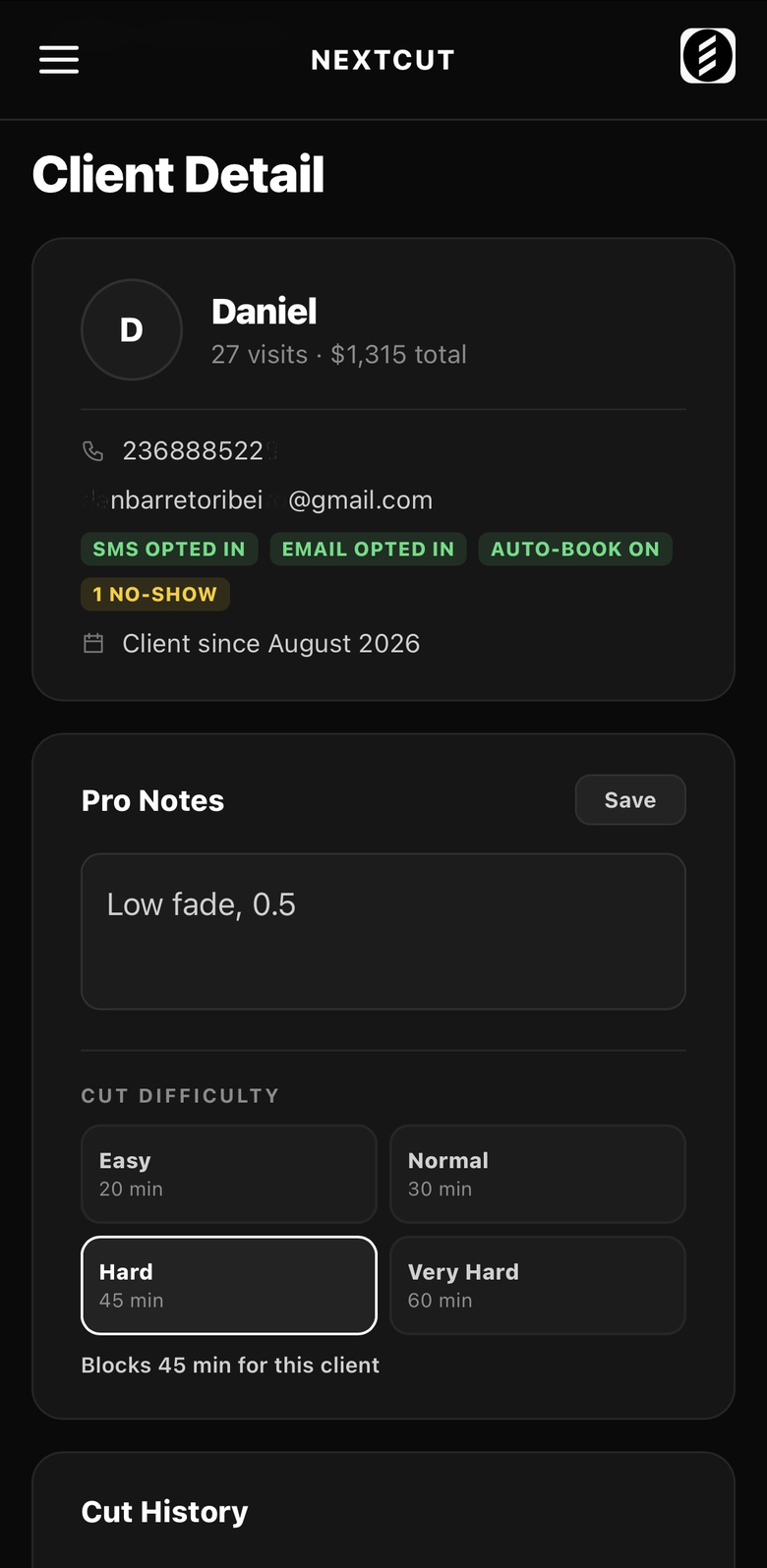
Notes that make the next cut better
Open any client for their history and contact preferences. Keep private pro notes (like the exact fade), and set a cut difficulty so the calendar blocks the right amount of time for them.
Stats and reports
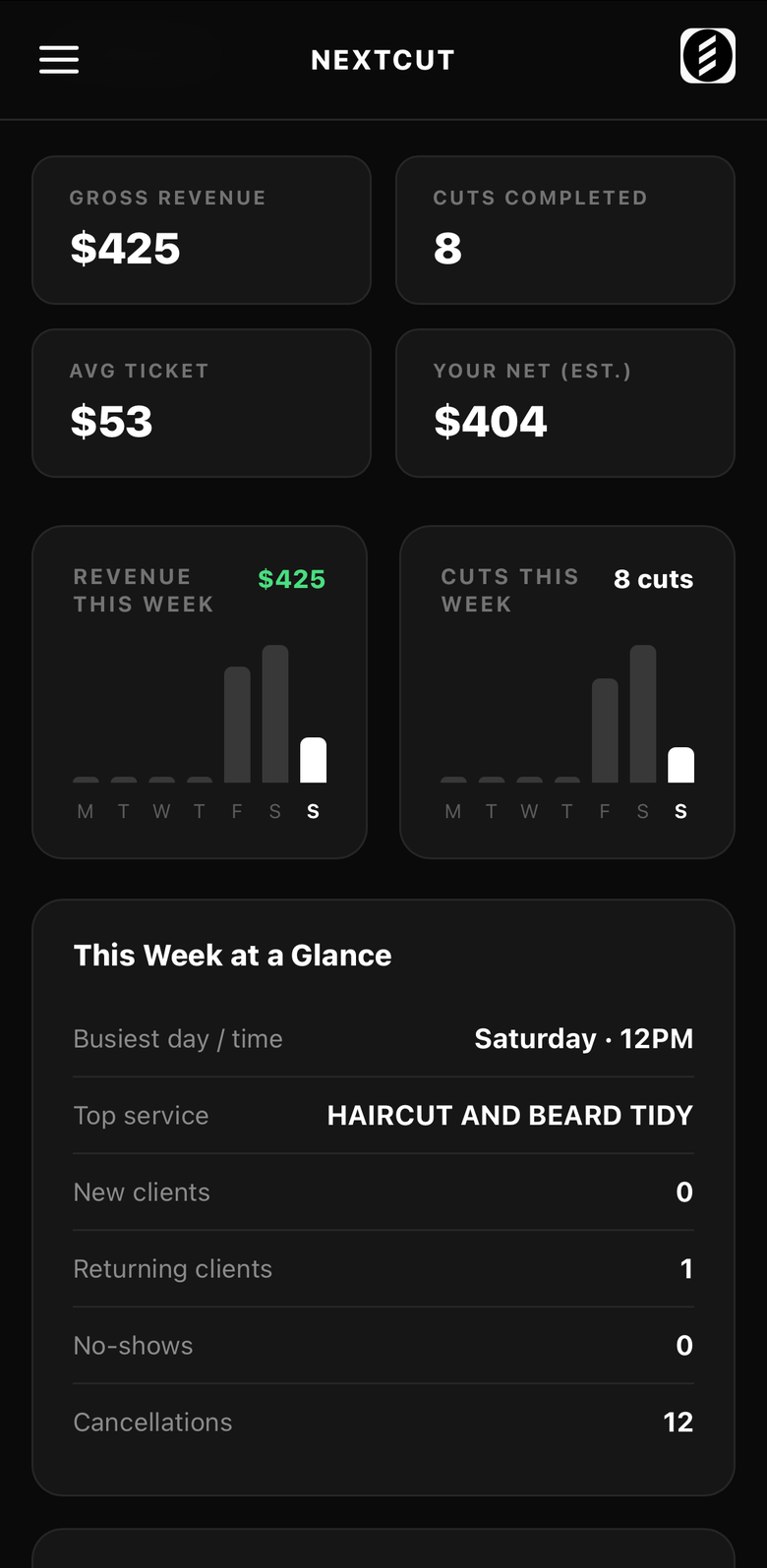
See what the chair earns
Gross revenue, cuts, average ticket and your estimated net, day by day. See your busiest day, top service, new versus returning clients, no-shows and cancellations at a glance.
Team
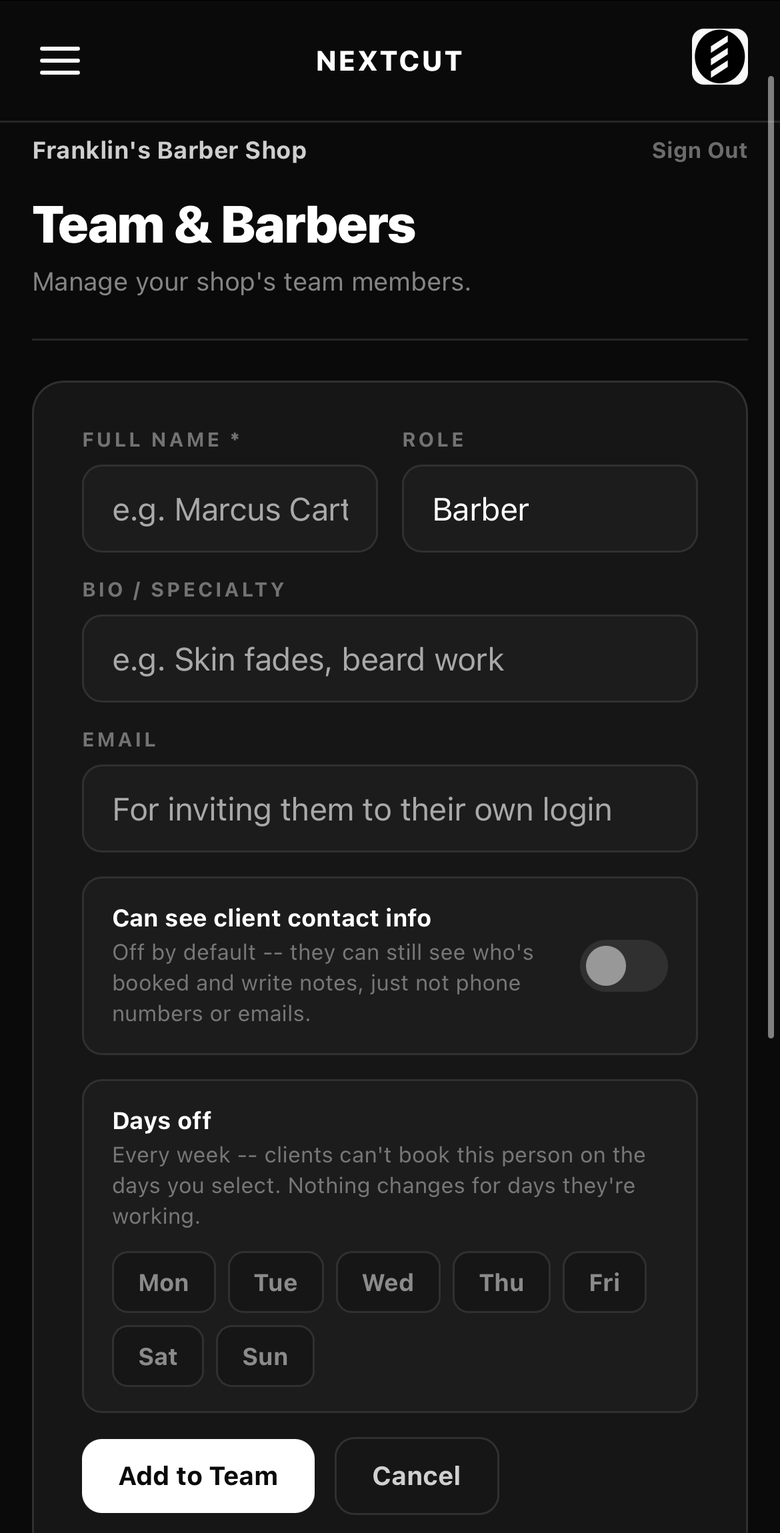
Add your barbers, set their days
Add each barber with a role and specialty, invite them to their own login, and set their weekly days off so clients can never book them on those days. Decide per barber whether they can see client phone numbers and emails.
On the phone
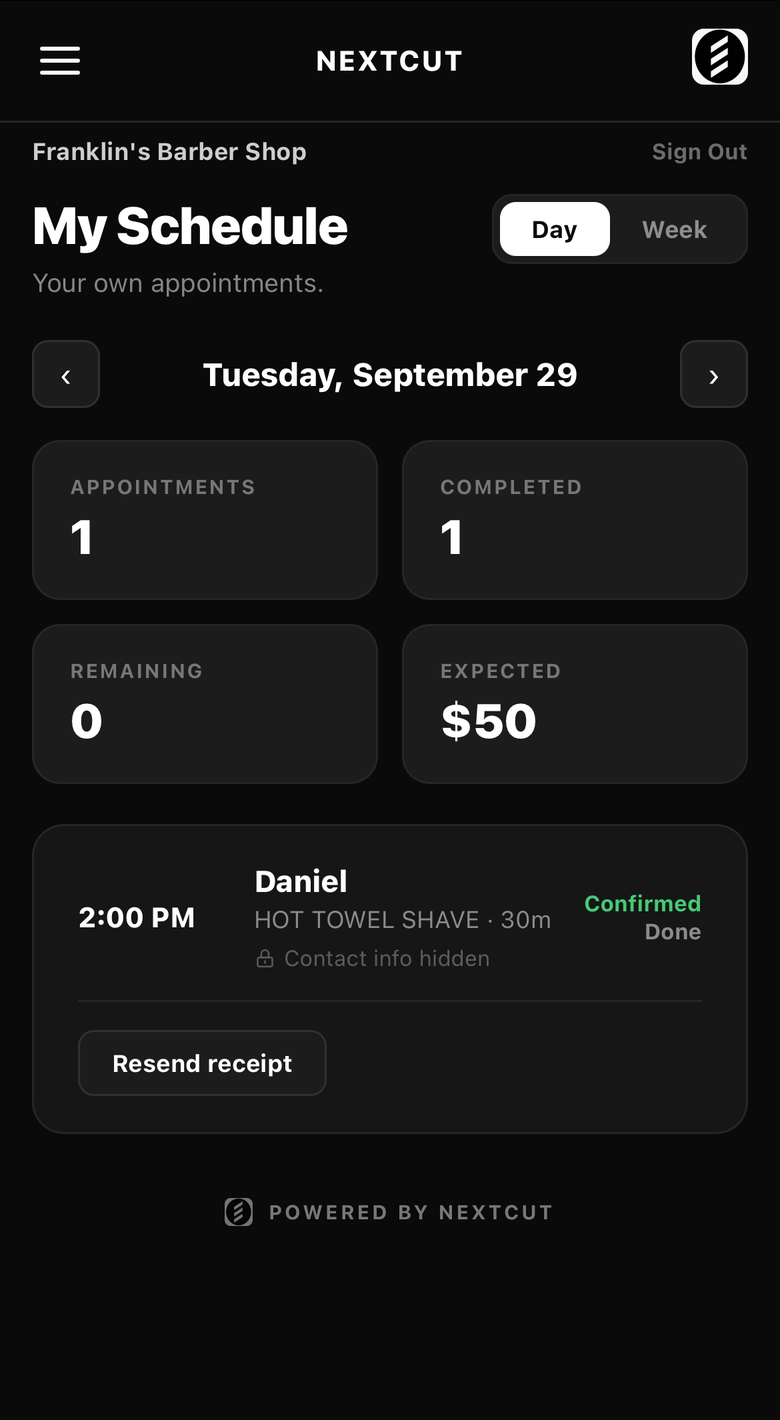
A schedule barbers actually use
Each barber opens their own page on their phone: today's cuts, the week ahead, and a Resend receipt button after a cut. Contact info stays hidden unless you allow it.
Business settings
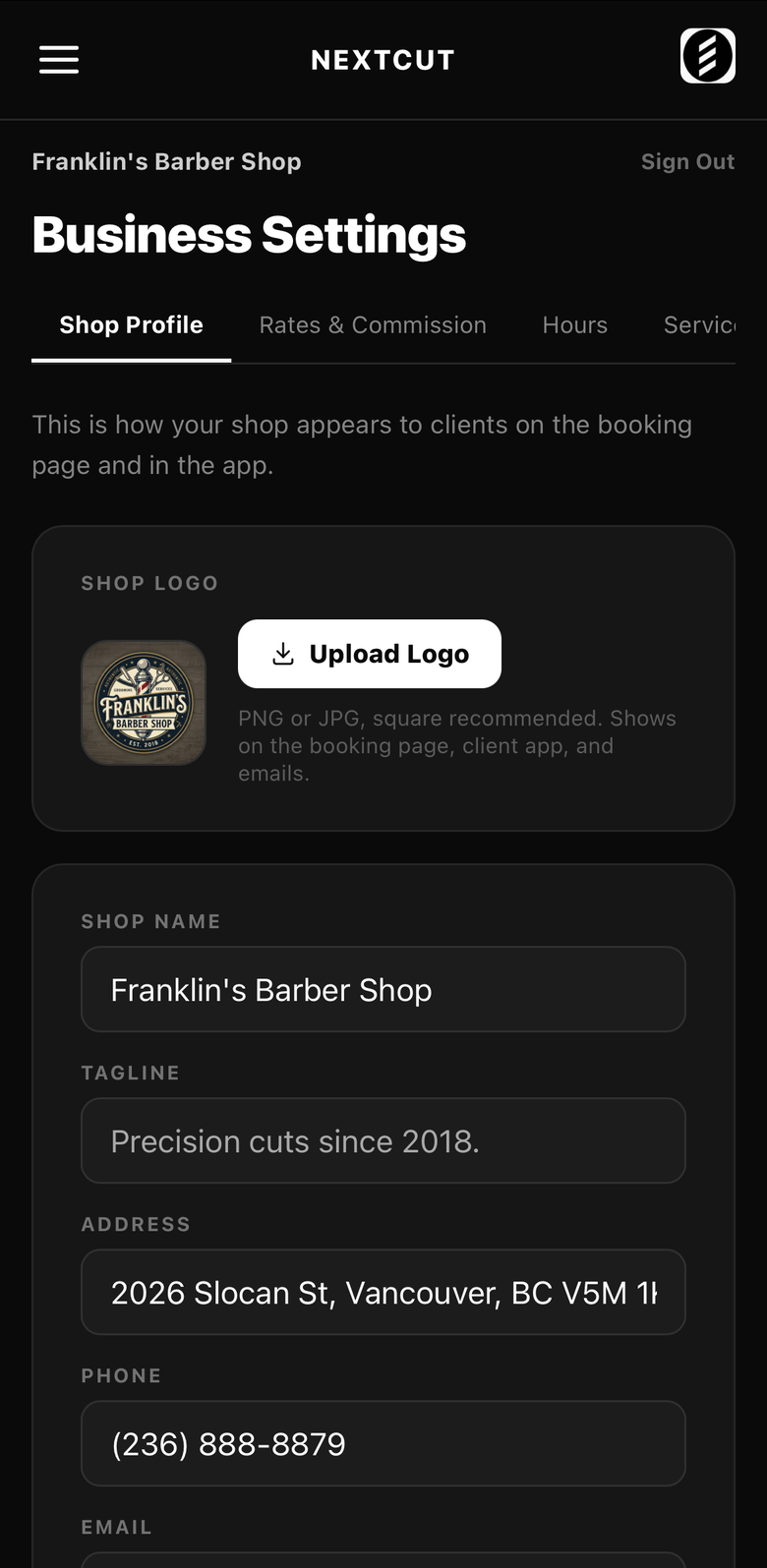
Make it yours
Your logo, name, tagline, address and phone, plus rates and commission, opening hours and services. Your booking page follows them automatically, so changes show up for clients straight away.
Your booking page
A page clients book on, with your name on it
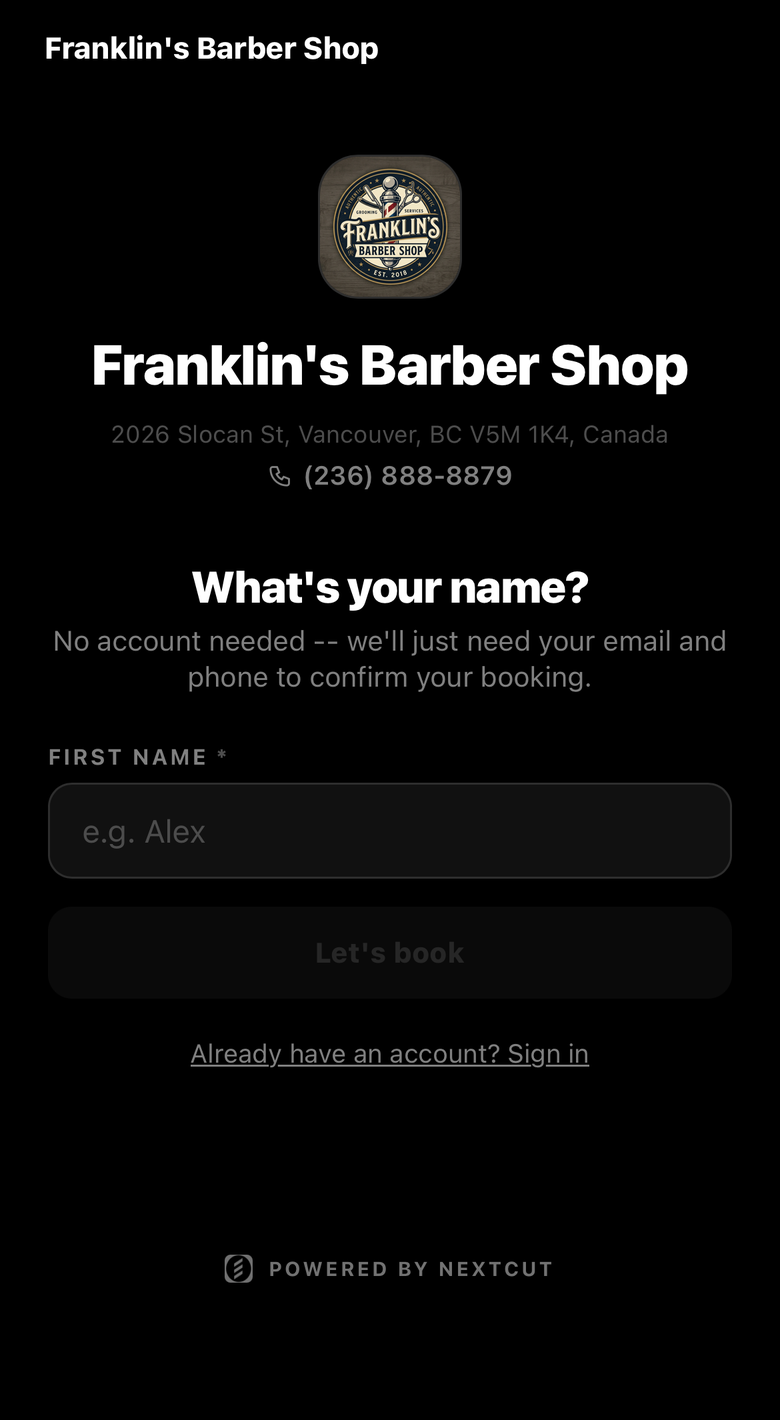
Every shop gets its own booking link with your logo and details. Clients pick a service, a barber and a time in under a minute, with no account needed.